
NBN connection types explained: FTTP, FTTN, FTTC, HFC, FTTB and wireless
Your NBN connection type affects the equipment at your property, the speeds that may be available and how the final part of the connection reaches your home or business. Here is a practical explanation of the main NBN access technologies used across Australia.
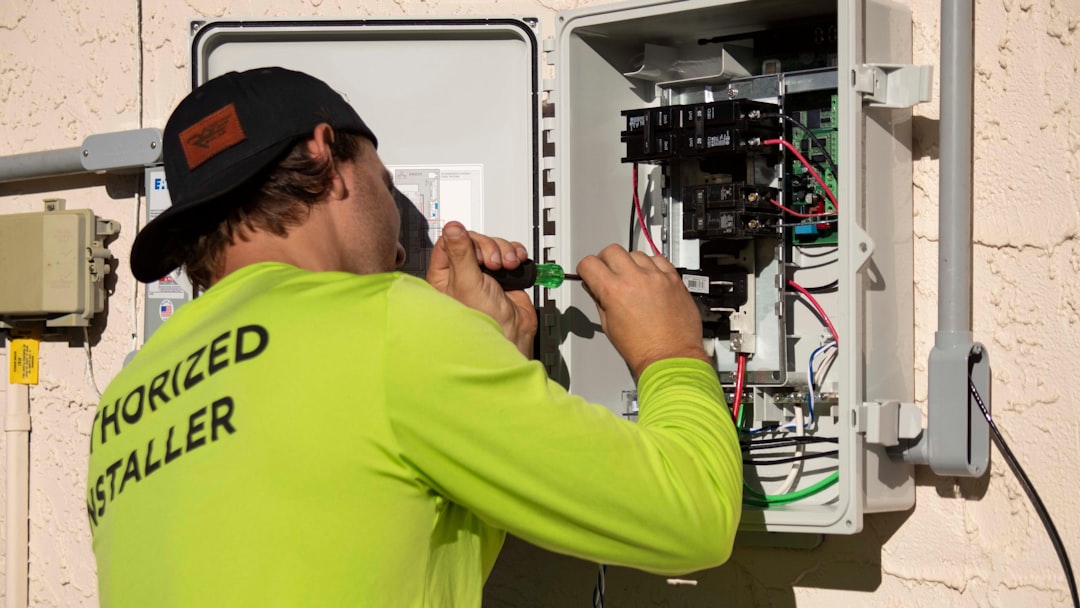
nbn uses a mix of technologies rather than one identical connection method for every property. Its current network technology information groups the service into fixed-line technologies plus Fixed Wireless and satellite services. Your exact technology is determined by the network available at your address.
FTTP — Fibre to the Premises
With Fibre to the Premises, fibre optic cabling runs directly to the property. An nbn connection box is installed at the premises and your router or managed gateway connects to that equipment.
FTTP is generally the technology people associate with full-fibre NBN and is commonly capable of supporting the highest retail speed tiers, although the plans actually available still depend on the provider, address and current wholesale product availability.
FTTB — Fibre to the Building
Fibre to the Building is commonly used in multi-dwelling or multi-level buildings. Fibre reaches a communications area within the building, then the existing building cabling is used for the final connection to individual premises.
This means two apartments in different buildings can have a different NBN experience even if they are only a short distance apart, because the building's internal infrastructure forms part of the connection path.
FTTN — Fibre to the Node
With Fibre to the Node, fibre reaches a nearby street cabinet or node and the existing copper network is used for the final section to the property. The quality and length of that copper section can influence the practical speeds available.
If a property on FTTN cannot access a particular high-speed tier, simply purchasing a faster retail plan cannot bypass the physical capability of the line. Address qualification matters.
FTTC — Fibre to the Curb
Fibre to the Curb brings fibre closer to the property, typically to a distribution point in a street pit, with copper used for the short final section to the premises. An FTTC connection box is generally used inside the property.
Because the copper section is much shorter than a typical FTTN path, FTTC is technically different even though both technologies use some existing copper for the last portion of the connection.
HFC — Hybrid Fibre Coaxial
Hybrid Fibre Coaxial uses fibre in the broader network and coaxial cable for the final connection to the premises. HFC properties normally use an nbn network device at the property, which then connects to your router or gateway.
Many HFC premises can access higher-speed plans, but qualification still depends on the address and current network capability.
Fixed Wireless
Fixed Wireless connects eligible premises using radio signals between nbn infrastructure and an antenna installed at the property. It is particularly important in regional areas where fixed-line deployment is less practical.
Available speed tiers and performance characteristics differ from fixed-line connections, so it is important to choose a plan that matches the service available at your exact address.
Sky Muster satellite
Satellite services provide connectivity to many remote Australian locations that are outside the practical reach of fixed-line and Fixed Wireless infrastructure. Satellite behaves differently from fixed-line broadband, particularly in relation to latency and network design.
Does your NBN connection type affect your Wi-Fi?
Yes and no. Your NBN technology determines how the internet service reaches the premises. Your Wi-Fi is the local wireless network created by your router or access points inside the property.
A fast FTTP service can still feel slow in a back bedroom if Wi-Fi coverage is poor. Likewise, excellent managed Wi-Fi cannot make an NBN line deliver a speed tier that the address itself cannot support.
That distinction is one of the reasons Alder separates the internet connection from the network experience while supporting both together. Read our guide to managed Wi-Fi vs a standard router or explore Alder Managed Wi-Fi.
Which connection type do I have?
The most reliable way to determine your technology is to check the service available at your actual address. Different streets—and sometimes neighbouring buildings—can use different technologies.
You can begin through Alder's Get Connected flow, or compare residential options on our NBN plan comparison page.
| Technology | Final connection approach | Common setting |
|---|---|---|
| FTTP | Fibre directly to premises | Homes and businesses |
| FTTB | Fibre to building, existing internal cabling onward | Apartments / multi-level buildings |
| FTTN | Fibre to street node, copper to premises | Established fixed-line areas |
| FTTC | Fibre to curb/pit, short copper final section | Residential areas |
| HFC | Fibre network plus coaxial final connection | Former cable-network areas |
| Fixed Wireless | Wireless link to property antenna | Regional areas |
| Satellite | Satellite connection | Remote areas |
What matters when choosing a plan?
Connection technology is only one part of the decision. Also consider simultaneous household usage, upload requirements, the quality of your home Wi-Fi, the number of users and whether you want your network actively supported.
Our NBN speed guide explains how to choose a practical speed tier without simply paying for the largest number available.
Check what NBN service is available at your address
Start with your address, then choose the Alder plan and managed-network setup that fits how your household or business actually uses the internet.
Check your address →